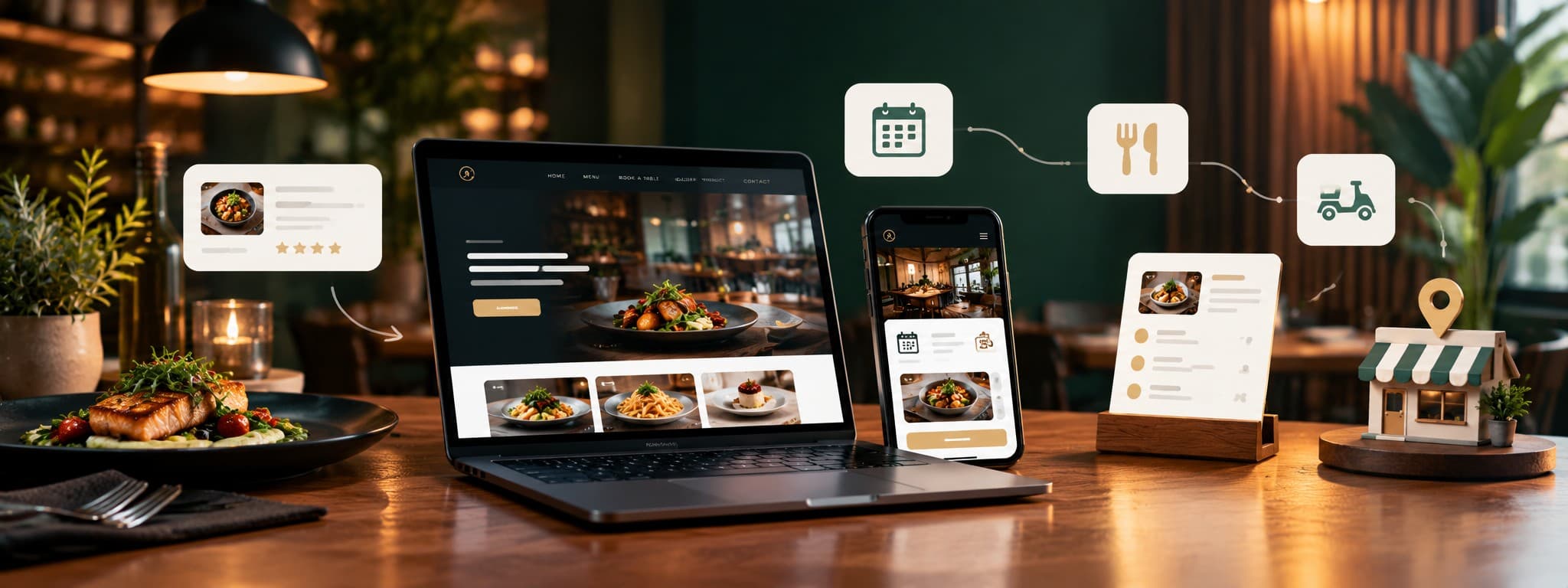
It's Friday evening. Someone has just decided they fancy a proper night out, and they pick up their phone and search "restaurant near me."
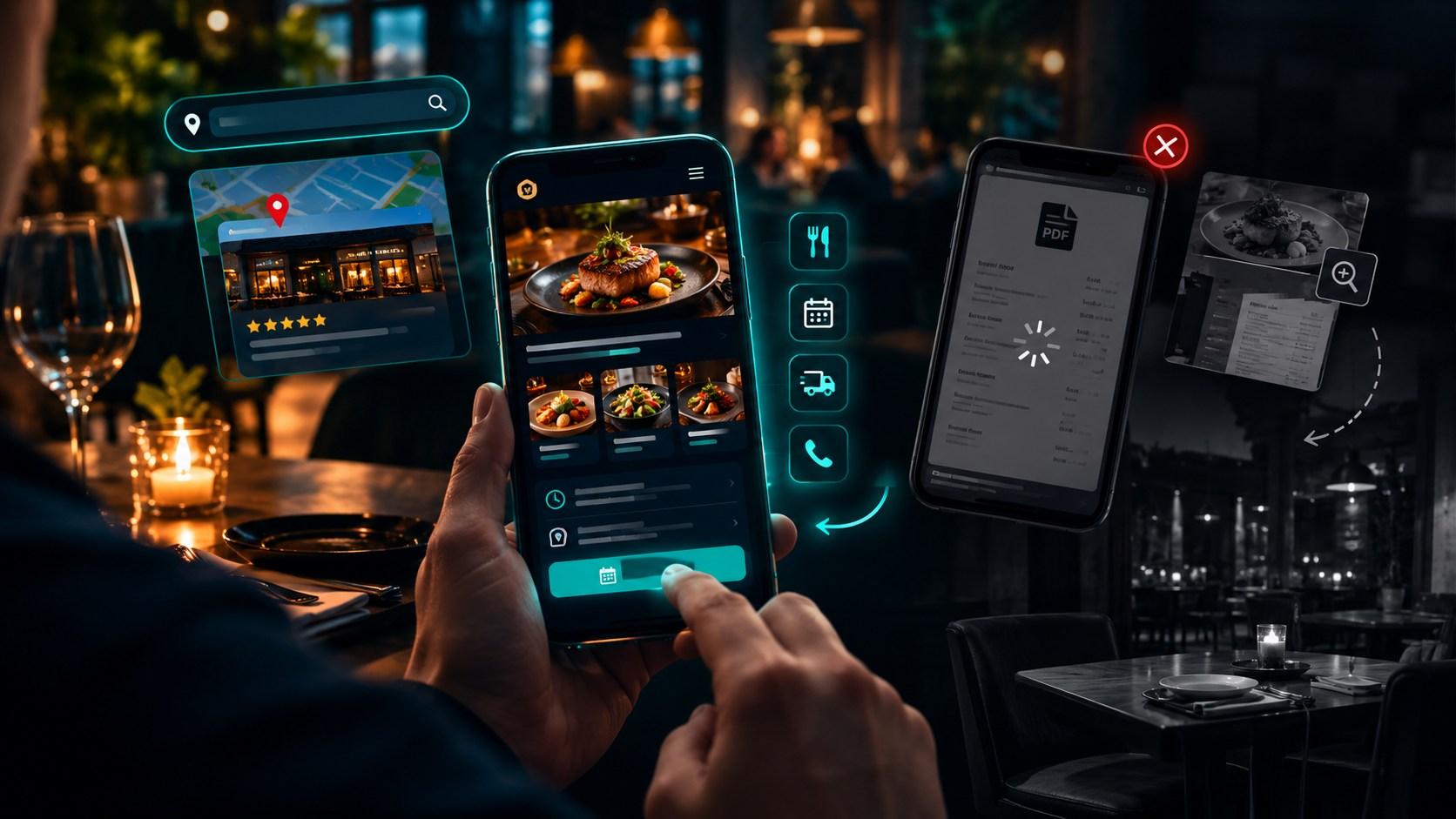
They tap on your listing. Then they tap on your website. And within about eight seconds, one of two things happens. Either they find your menu, check your opening hours and book a table. Or they pinch, zoom and wait for a PDF to load, then give up and try the place next door.
You never see that second customer. There's no complaint and no bad review, just an empty table that should have been full.
Most restaurants don't have a food problem, they have a website problem. Here are the five mistakes I see most often, and how to fix each one.
Mistake 1: Putting Your Menu in a PDF or a Photo
This is the most common one, and it's easy to understand why. You already have a designed menu, so you upload it as a PDF or a photo and move on.
But on a phone, a PDF menu is a pain. It loads slowly, the text is tiny, and you have to zoom and scroll sideways to read a single dish. Google also can't read menus stored as images very well, so you miss out on people searching for specific dishes like "vegan burger" or "Sunday roast near me."
The fix:
Put your menu on a proper web page as real text, split into sections (starters, mains, desserts, drinks)
Mark vegetarian, vegan, gluten-free and allergen information clearly
Keep prices up to date, since an outdated price list causes arguments at the table
Add a few good photos of your best dishes, compressed so the page stays fast
A text menu is easier to read, easier to update and easier for Google to find.
Mistake 2: No Easy Way to Book or Order Directly
Think about what a hungry customer wants: to book a table or order food in as few taps as possible.
If your website only says "call us to book," you lose everyone who's browsing during work hours or doesn't want to phone. If ordering takeaway (or pickup, if you're in the US) means going through a third-party app, you may be paying fees on every order, and you don't own the customer relationship.
The fix:
Add a clear "Book a Table" button at the top of every page
Offer online ordering for takeaway, collection or delivery, if it suits your restaurant
Show your phone number as a tap-to-call button for people who prefer to ring
Send an automatic confirmation by email or text, so customers feel reassured
Direct bookings and orders keep more of the money in your business, and they let you build your own customer list.
Mistake 3: Wrong Opening Hours and a Neglected Google Business Profile
Few things annoy diners more than turning up to a closed restaurant because Google said it was open.
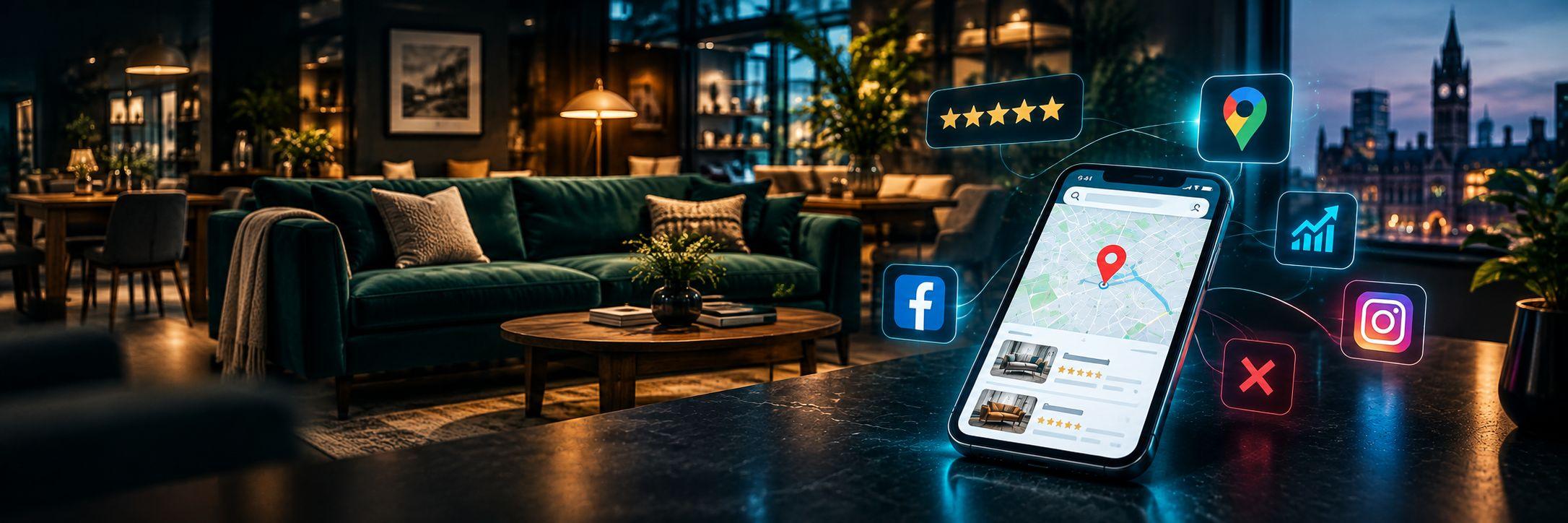
When someone searches "restaurant near me," Google usually shows a map with three local places at the top, above most normal website results. Those spots are driven largely by your Google Business Profile and your reviews. Plenty of restaurants set it up once and never touch it again. (The same principles apply to any local business. I explained them for roofers in Why Roofing Companies Lose Leads to Competitors Online.)
The fix:
Choose the right main category, such as "Italian restaurant" or "Indian restaurant," not just "Restaurant"
Keep opening hours accurate, including bank holidays and special days
Add a link to your menu and your booking page
Upload fresh photos of your food, your interior and your team
Ask happy customers for reviews, and reply to every one, including the negative ones, politely and calmly
Never buy or fake reviews. Google can remove them, and diners can spot them.
Mistake 4: A Slow, Clunky Mobile Website
Most people look up restaurants on their phone, often while walking, travelling or deciding with friends. If your site takes five seconds to load, has tiny buttons or needs a lot of zooming, they'll leave.
Restaurant sites are often slow because of huge food photos and heavy video backgrounds that look great on a big screen and terrible on mobile data.
The fix:
Test your site on your own phone using mobile data, not the restaurant wifi
Compress photos and avoid autoplay video backgrounds
Make sure the menu, booking button, address and opening hours are visible without scrolling far
Check your speed with Google's free PageSpeed Insights tool
Your website is often the first impression of your restaurant. A slow one can feel like a rude waiter before anyone has walked in.
Mistake 5: Relying Only on Delivery Apps and Instagram
Delivery apps and Instagram are useful. They bring people in, and a good food photo can go a long way.
The problem is when they become your only presence online. Delivery apps charge fees on every order and keep the customer details. Instagram reach depends on an algorithm you don't control, and many people searching on Google never end up on your profile.
The fix:
Treat apps and social media as extra doors into your restaurant, not as the whole building
Make your own website the place where you show your full menu, take direct bookings and orders, and share your story
Use social media to send people back to your website
Collect emails or phone numbers (with permission) for special offers and events
A restaurant that owns its website, its Google listing and its customer list is far more stable than one that depends on a single app.
Don't have a website yet? You're not behind. You get to build it properly from day one. Start with a clear menu page, a booking or ordering button, accurate opening hours and a complete Google Business Profile. Everything in this article works as a checklist for your new site.
A Real Example
I built a website for a restaurant client, Salt N Pepper, with a modern design and online ordering. They told me they were extremely satisfied with the modern design and the smooth e-commerce functionality. You can see it in my portfolio.
Quick Checklist for Your Restaurant Website
Open your website on your phone and ask:
Can I read the menu easily, without zooming?
Can I book a table or order in two taps?
Are the opening hours correct everywhere, including Google?
Does the page load quickly on mobile data?
Can I see good photos of the food and the venue?
Does our Google Business Profile look complete and active?
If you answered "no" to more than two, your website may be sending hungry customers to your competitors right now.
Frequently Asked Questions
How much does a restaurant website cost?
It depends on who builds it and what it includes. A simple restaurant site with a menu, gallery and contact details can start from around £300 – £1,000 with an Asia-based freelancer, £800 – £2,500 with a UK freelancer, and more with an agency. Adding online ordering or table booking usually raises the price.
Should my restaurant have online ordering on its own website?
If you offer takeaway or delivery, it's worth considering. It lets you take orders directly instead of relying only on third-party apps. Whether it makes sense depends on your volume and setup.
How long does it take for a restaurant website to appear on Google?
Usually several months for normal search results. Local results can move faster if your Google Business Profile is complete and you have good reviews. Nobody can honestly promise a first-page ranking in weeks.
Should the menu be on the website as text or as a PDF?
Text on a proper web page. It's easier to read on mobile, easier to update and easier for Google to understand.
Do I need a website if I already have Instagram and a delivery app?
Yes. Social media and delivery apps are useful, but you don't control them. A website gives you a permanent home where customers can find your menu, book directly and learn about your restaurant.
Where to Start This Week
You don't have to fix everything at once. Try this order:
Check your opening hours and menu link on your Google Business Profile
Replace any PDF or photo menu with a text menu on a web page
Add a clear "Book a Table" or "Order Online" button
Test your site on your phone and fix anything slow or awkward
Small changes like these often make the biggest difference.
About the Author
I'm Mohammad Awais, a web and mobile software engineer based in Lahore, Pakistan. I build fast, modern, search-friendly websites for businesses, including restaurants, furniture stores, roofing companies and e-commerce shops, using tools like Next.js, React and WordPress. You can see examples in my portfolio.
I work with business owners in the UK, the USA and Europe remotely, which keeps my prices lower than many local agencies. I keep things simple: a clear fixed quote, no hidden fees, no jargon, and quick replies on WhatsApp or email. Whether you need a brand new website or want to improve your current one, I'll keep it clear and straightforward.
Want a Website That Brings in More Bookings?
Whether your restaurant already has a website that isn't performing, or you don't have one yet and want to get it right from the start, I can help.
Already have a website? Send me the address and I'll give you an honest review of what's holding it back, with no pressure and no obligation.
Don't have one yet? Tell me about your restaurant and what you'd like customers to do (book, order or visit). I'll recommend what you need and send you a clear, fixed quote, with no hidden fees and no jargon.
Get Your Free Review or Quote →
Prefer to chat first? Message me on WhatsApp or email contact@awaiscoder.com.